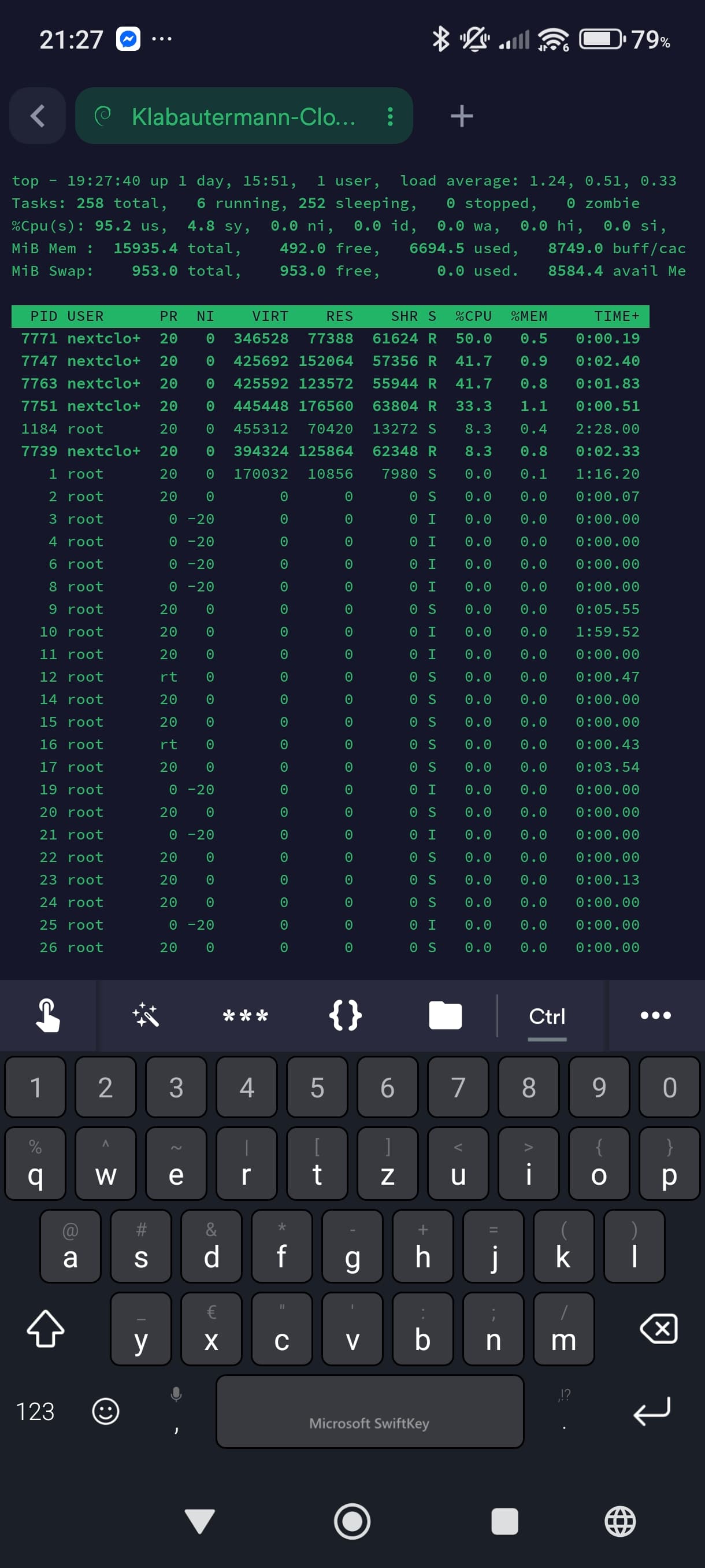
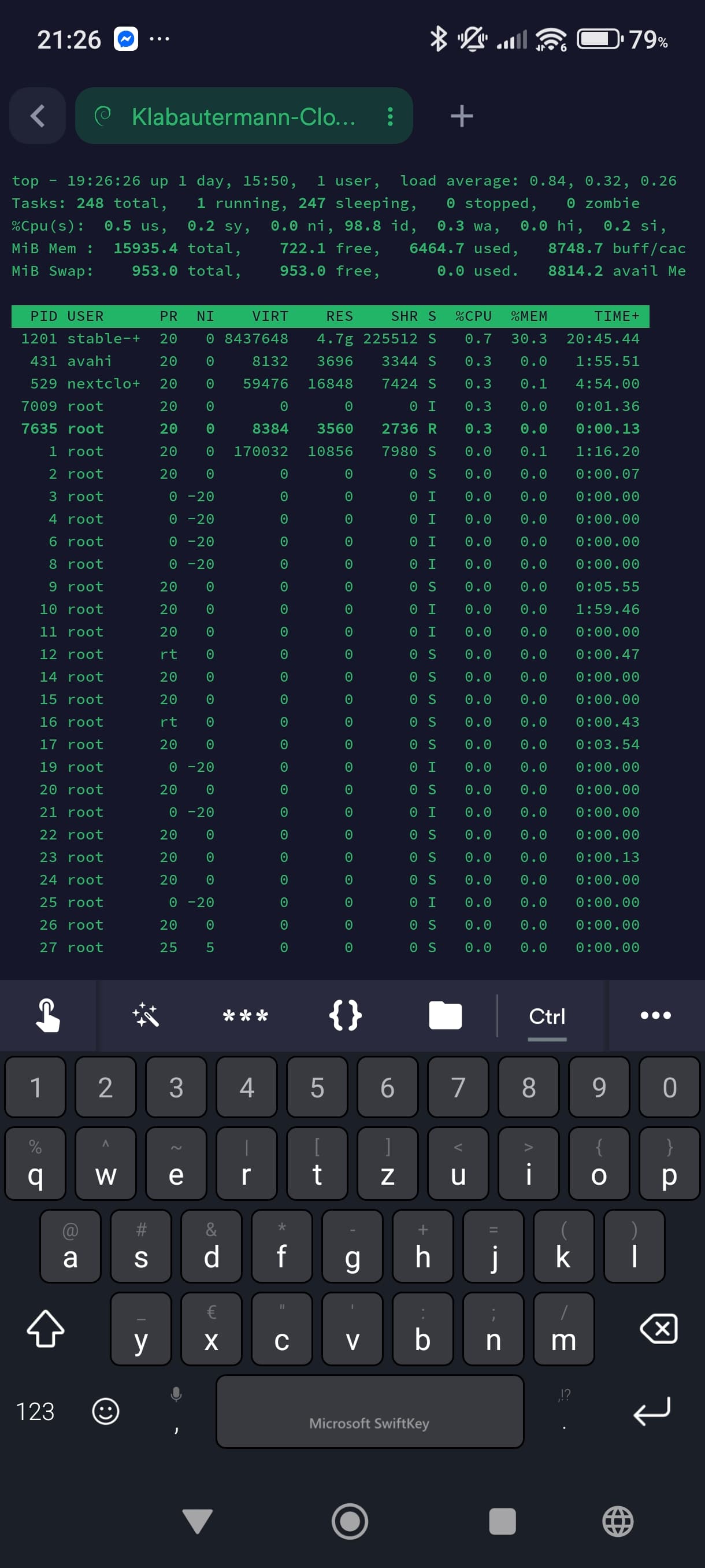
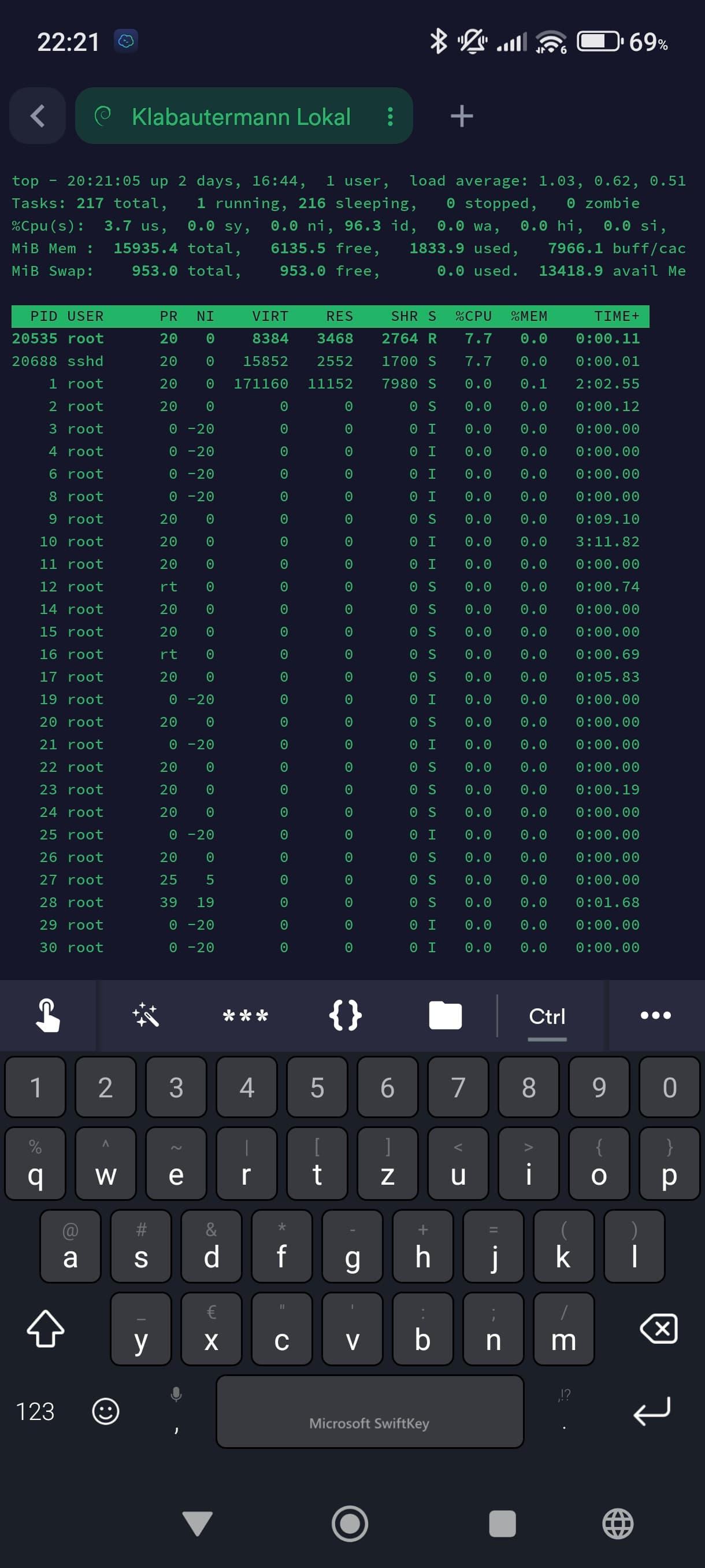
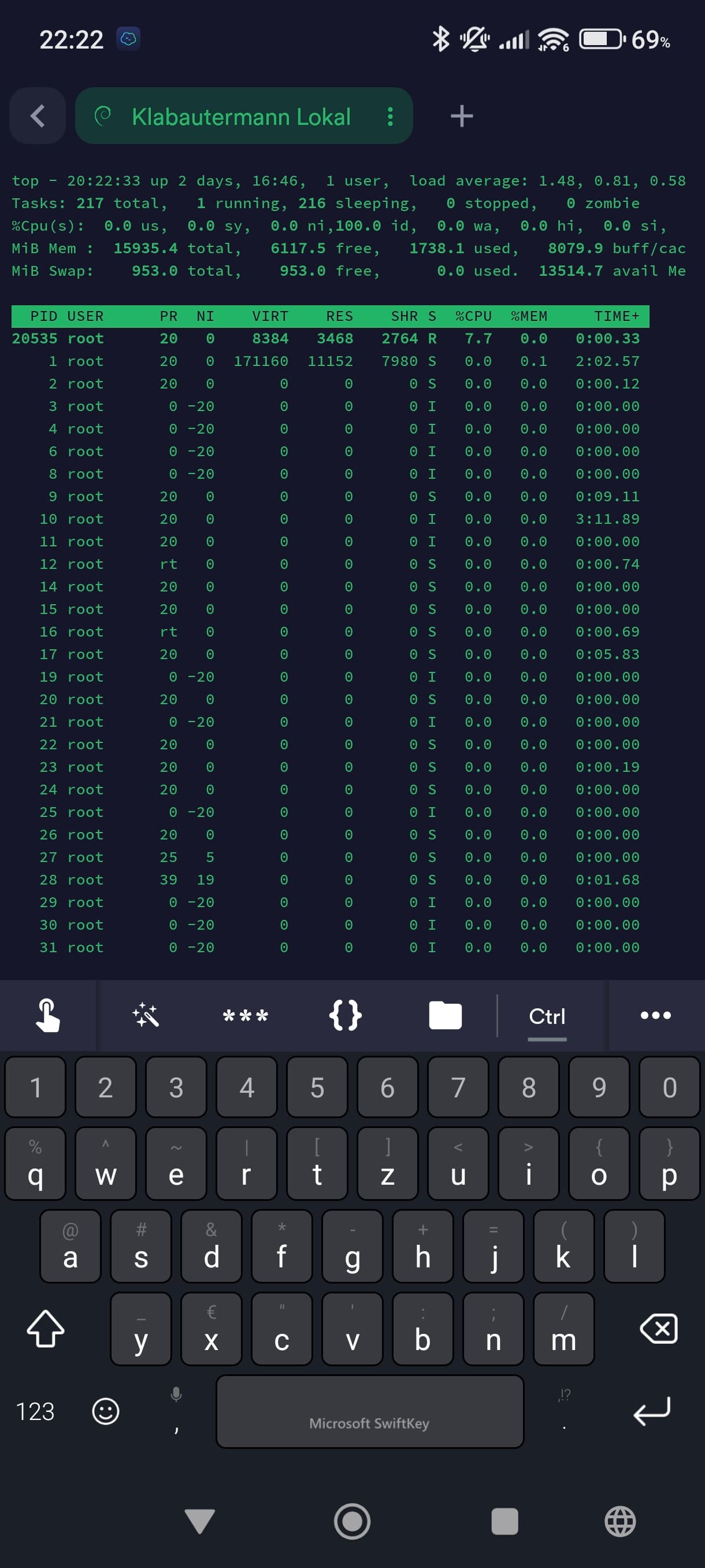
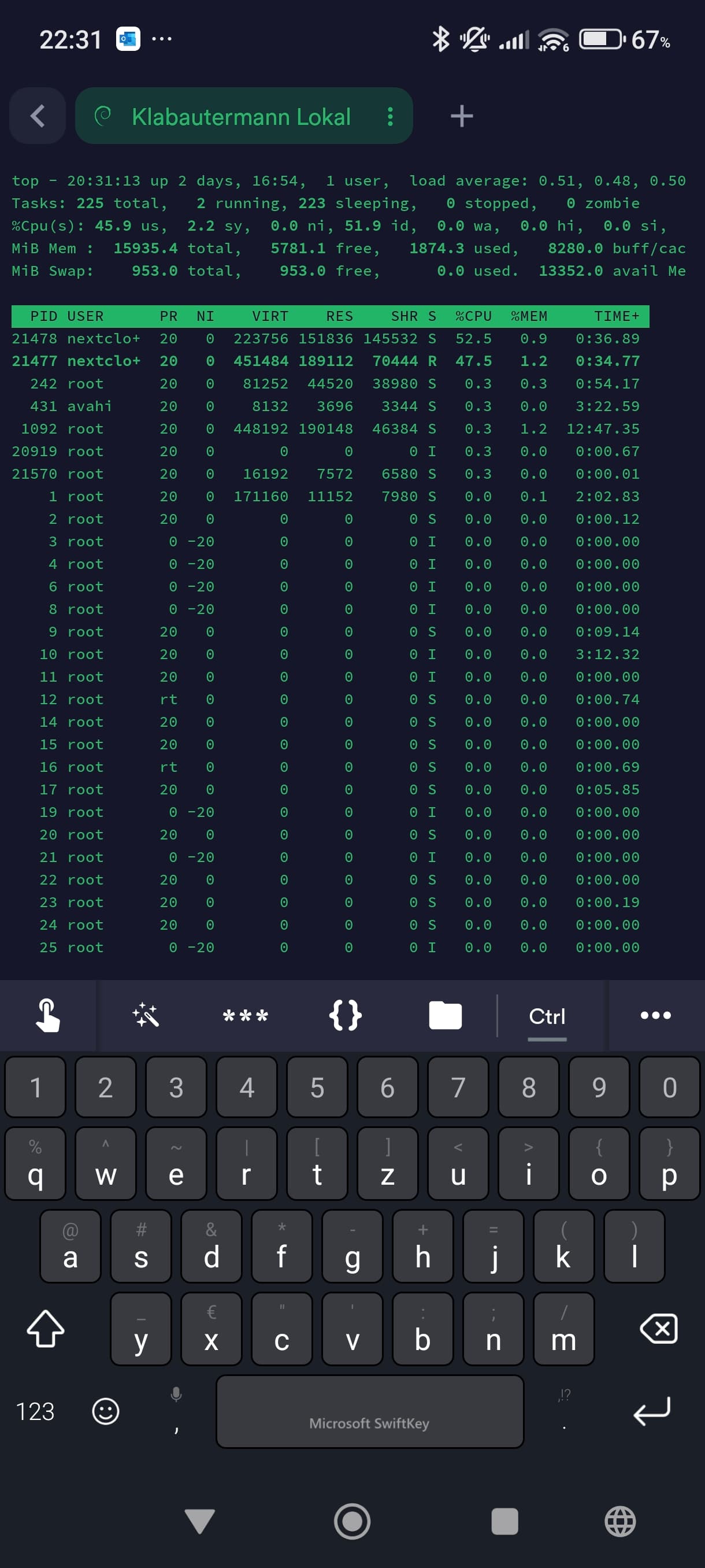
I’ve been using the Syncloud S for a while now and I keep noticing that the loading times are very long when I want to view them via the Nextcloud web browser and the Nextcloud Android app. Sometimes it even takes several minutes for the pictures to load at all.
My internet connection is a 300 Mbit download with 50 Mbit upload.
I should also mention that I have already increased the RAM to 16GB in my S version and only use SSD as storage.
Generally, I’m very happy with it. But these loading times bother me a lot. PDFs and similar files open quickly.
I have attached a few screenshots for you and in the meantime, I’ve switched to a folder with photos in the Nextcloud Android app. Even after a loading time of 5 minutes, the photos haven’t loaded.
Just send logs, try to do it right when CPU is high like this.
Actually this time it is below 50% which is better.
You screenshots are hiding which Nextcloud process is using CPU (php, db), if you do a wider screen and press ‘c’ you will see the full process name on the right side.
Still send me logs as they snapshot all the right info.